


GoHighLevel Custom Dashboard Design
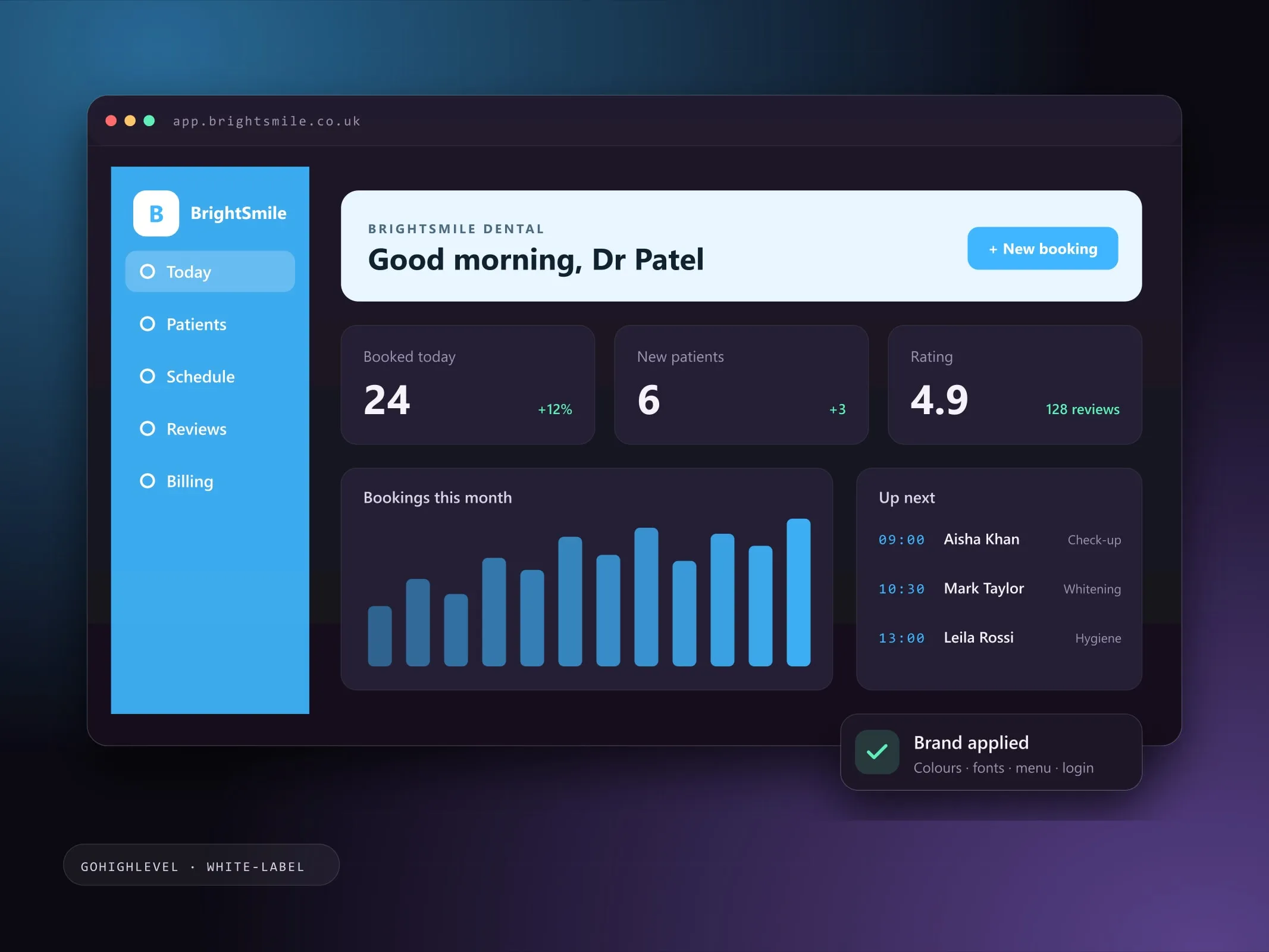
Make GoHighLevel look and feel like your own platform: a custom-branded dashboard, menus named for your niche, styled pipelines and a login page your clients recognise.
- Fixed price, agreed scope
- Reply within 2 working days
- One point of contact

- GoHighLevel
- Custom CSS
- Custom JavaScript
- SaaS mode
- Figma
- Agency settings
Sound familiar?
These are the issues I see most often before a GHL Dashboards project starts. Each one quietly costs enquiries, time or trust, and most businesses have more than one.
Usually a good fit if you're
- Agencies reselling GoHighLevel under their own brand (SaaS mode)
- Niche agencies serving one industry, such as dental, real estate, fitness, legal or home services
- Businesses whose team finds the default GoHighLevel layout cluttered or confusing
- 01
Clients can see it is the same CRM everyone resells.
- 02
The sidebar is long, and half the items are never used.
- 03
Industry clients do not understand CRM jargon.
- 04
New users do not know where to start after logging in.
How I solve it with GHL Dashboards.
Out of the box, every GoHighLevel account looks the same. Your logo goes in the corner, but the menus, colours and screens still say "generic CRM", and your clients can tell.
I design and build a custom dashboard on top of GoHighLevel so it feels like software made for your niche: your colours and fonts, a cleaner sidebar, menu items renamed in your clients’ language (Patients, Listings, Members, Cases, Jobs), a welcome banner with the shortcuts they actually use, and pipelines styled to match.
It is applied with GoHighLevel’s own custom code settings, tested on desktop, tablet and phone, and can be removed at any time.
- 01
Problem: Clients can see it is the same CRM everyone resells.
Solution: A complete visual identity, so the platform feels like your own product.
- 02
Problem: The sidebar is long, and half the items are never used.
Solution: Menus hidden, reordered and renamed so each client sees only what they need.
- 03
Problem: Industry clients do not understand CRM jargon.
Solution: Labels in their language: Patients instead of Contacts, Listings or Cases instead of Opportunities.
- 04
Problem: New users do not know where to start after logging in.
Solution: A welcome banner with a greeting and quick links to the tasks they do every day.
The same HighLevel, with your brand on it.
Drag the handle to compare the standard dashboard with a branded one. Pick a look to see a different niche.
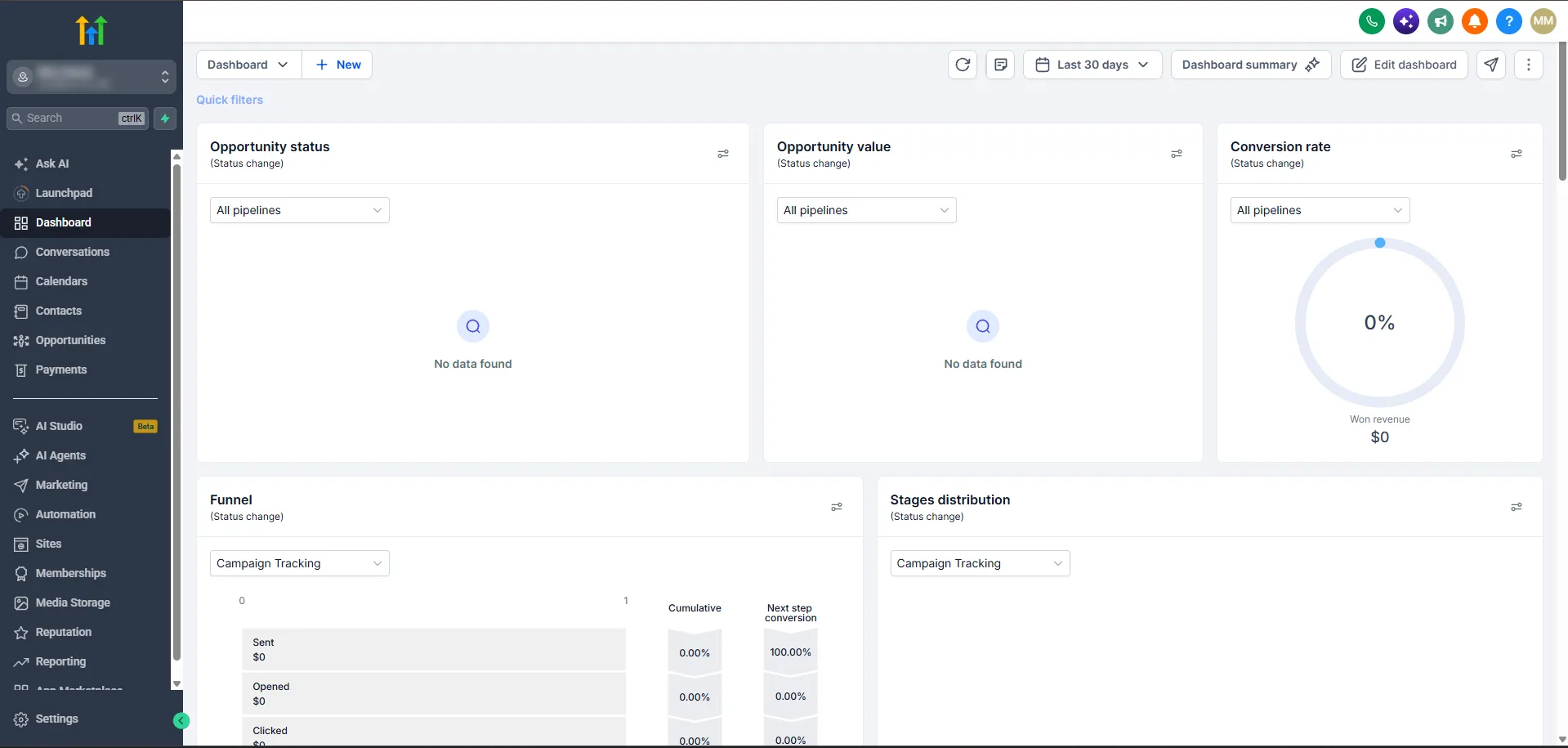
Sample designs built on HighLevel's real layout. Drag the handle to compare. Your build uses your brand, your menu and your pipeline.
Five looks, one for every niche.
Each is a starting direction, not a template you're stuck with. Your build is designed around your brand guidelines.
A dental practice has patients. A gym has members.
HighLevel calls everyone “Contacts”. I rename and reorder the menu in the language your clients already use, and hide what they never open.
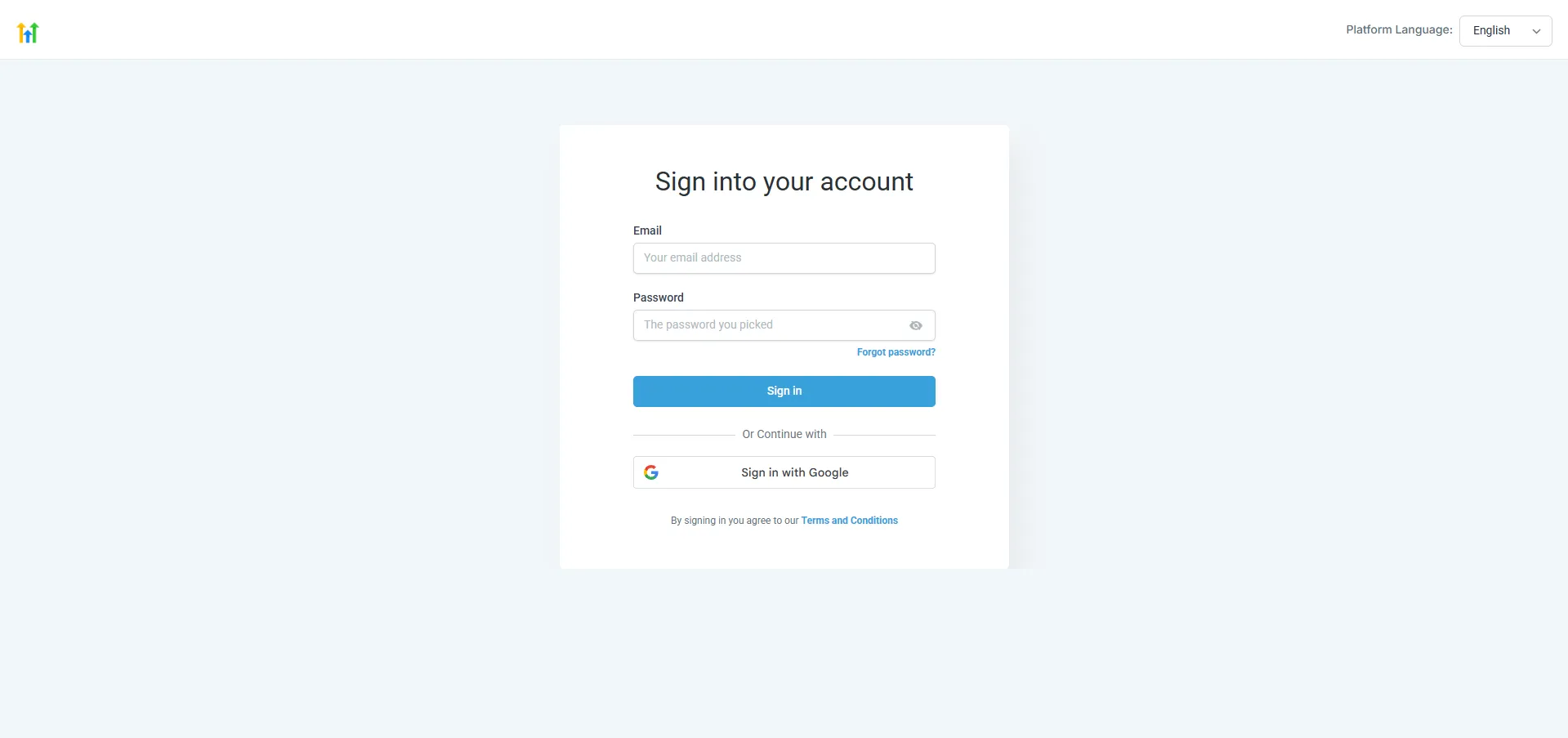
First impressions start at sign-in.
The standard HighLevel login looks the same for every agency. Yours shows your logo, colours and words before clients ever reach the dashboard.

- Your logo, colours and artwork
- Agency-wide or a single sub-account
- Checked on desktop, tablet and mobile
- Install notes and a clean removal path
Everything in a GHL Dashboards build.
Scope is agreed in writing first. You pick what you need and only pay for that.
Plan my project- Brand colour system, fonts and logo
- Sidebar and top bar redesign
- Menu renamed, reordered and simplified for your niche
- Custom menu links to your own resources
- Welcome banner with greeting and quick links
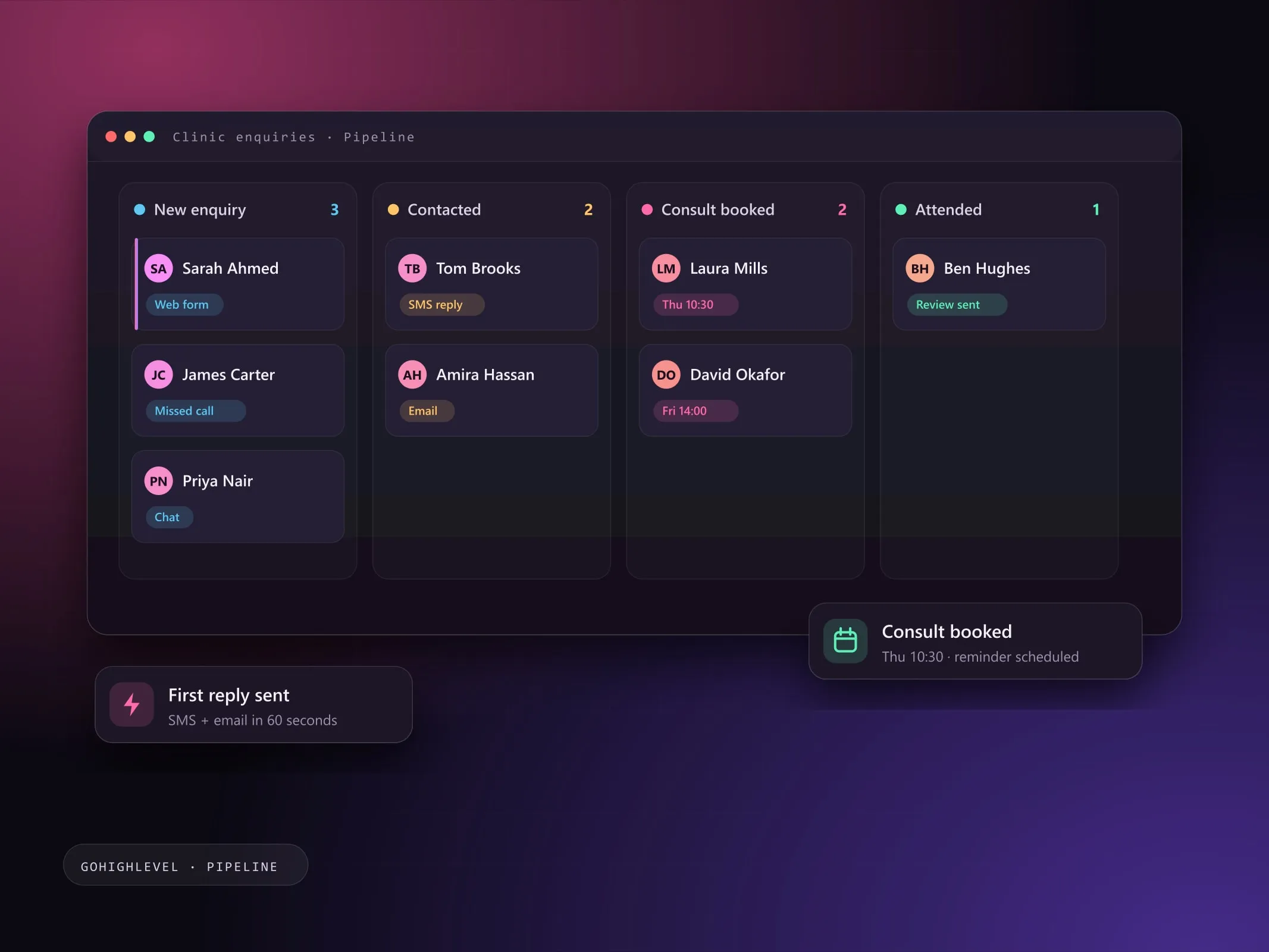
- Pipeline board and deal card styling
- Branded login page
- Buttons, tabs, tags and form styling
- Agency-wide or single sub-account branding
- Desktop, tablet and mobile checks
- Install notes and a clean removal path
4 clear steps, no surprises.
- 01
Discover
Your brand, your niche and the screens your clients open every day.
- 02
Design
A dashboard mock-up with colours, menu names, banner and pipeline styling for your approval.
- 03
Build and install
Custom CSS and JavaScript added through GoHighLevel’s settings, on a test sub-account first.
- 04
Check and hand over
Every key screen checked on desktop, tablet and phone, with install and removal notes.
Pick the engagement that fits.
Each option is quoted at a fixed price for the agreed scope, with no hourly surprises.
Single sub-account
One client’s account branded and simplified for their business.
Discuss this optionAgency white-label
One branded design applied across your agency and every sub-account.
Discuss this optionNiche template
A reusable design for one industry, ready for each new client you onboard.
Discuss this optionWhat you get at handover
- Approved dashboard design for your niche
- Custom CSS and JavaScript installed in your account
- Branded login page
- Menu map: what was renamed, reordered or hidden
- Install, update and removal notes
Good to know
- The design is applied with GoHighLevel’s custom CSS and JavaScript settings, so it styles the existing platform rather than replacing it. Your data and workflows are untouched.
- GoHighLevel updates its interface from time to time. A platform update can shift a styled element; ongoing care includes checking and adjusting after updates.
- Some areas, such as built-in email templates and certain pop-ups, are controlled by GoHighLevel and can only be partly styled.
- Agency-wide styling needs agency admin access; single sub-account styling can be applied to one client only.
GHL Dashboards questions, answered.
Can't see yours? I'm happy to answer anything before you commit.
Ask a question Will this change or break my GoHighLevel data?
No. The design only changes how screens look and how the menu is arranged. Contacts, pipelines, workflows and automations are not touched, and the code can be removed in minutes.
Is this the same as GoHighLevel’s white-label?
White-label lets you use your own logo, domain and app name. A custom dashboard goes further: colours, fonts, layout, menu names, banners, pipelines and login page, so the whole platform feels like your product.
Can different clients have different designs?
Yes. A design can be applied agency-wide, or to a single sub-account so one client gets their own branding while others keep the default.
What happens when GoHighLevel updates its interface?
Most updates have no effect. When one does move a styled element, it needs a small adjustment, which is included in ongoing care or quoted as a quick fix.
Does it work on the mobile app?
The custom styling applies to the web dashboard in desktop, tablet and phone browsers. The native LeadConnector mobile app has its own white-label options and is not styled by custom code.